
Printers & Supplies
Industrial printing solutions with ongoing supply, service, and support
Overview
Keep your operations running with reliable industrial printers and a steady supply of labels, ribbon, and parts. From desktop printers to high-volume industrial models, we provide complete printing solutions with expert service and support.
The complete system, not just the hardware
The operational problem
A printer stops in the middle of a shift and the pallet cannot ship without its label. Nobody on site can tell whether the cause is media, a worn printhead, a driver, or the network, so the line waits.
- Physical capture
The print event that has to succeed before the carton, pallet, specimen, or work order can move.
A print is a physical process: printhead, platen, ribbon, media path, and format all have to agree. Most print failures come from media and format mismatches rather than from a broken printer, which is why supply and configuration belong with the hardware.
- How it is captured
- Thermal transfer and direct thermal printing
- Hardware at the capture point
- Industrial printers — Run high volume label production at the dock, the line, and the print room (opens the Arrowhead store in a new tab)
- Desktop printers — Print wristbands, shelf labels, and specimen labels at the point of care or sale (opens the Arrowhead store in a new tab)
- Mobile printers — Print at the pick face, in the aisle, or in the service vehicle (opens the Arrowhead store in a new tab)
- Printheads, ribbon, and media — Keep print quality inside the grade the scanner and the customer require (opens the Arrowhead store in a new tab)
- Mobi software
What Mobi does with what was captured
Mobi Print sends ZPL and PDF to supported Zebra printers from mobile devices. Print Studio is where the format is built and proofed. Devices covers printer connection and visibility inside an approved deployment.
- Current limits
- Mobi Print is available today for supported Zebra printers. Print Studio is Preview. Fleet-wide printer visibility is limited to what a deployment approves; the public demonstration is simulated.
- System of record
Where the result has to land
The system of record supplies the data for each label; the printer receives a format and a data payload and returns a print or an error the operator can act on.
- Systems this connects to
- ERP · WMS · Order management · Label management software
- What you provide
- The print trigger from the application, the network path to the printer, and the label specification the format has to match.
- Delivery and lifecycle
Who builds it, who runs it, and who answers when it breaks
- Print requirement review
- Printer and media selection
- Format and driver configuration
- Deployment
- Preventive maintenance
- Repair and supply replenishment
What Arrowhead supplies and configures
- Printer selection against volume, width, resolution, and duty cycle
- Media and ribbon matched to the printer and the environment
- Format, driver, and network configuration
- Preventive maintenance and printhead replacement
- In-house Zebra printer repair in Chandler, Arizona
- Standing supply and reorder programs
What you provide
- The print volume, label size, and environment
- Network access and print queues
- Site access for preventive maintenance visits
- A named contact for supply reorders
When something stops working
Arrowhead answers for the printer, the media, and the format as one system. Zebra printers are repaired in-house rather than sent to a factory queue, and onsite maintenance agreements cover supported devices where one is in place.
What the proof actually shows
Every claim below is labeled with who produced it. Arrowhead delivering a system, a vendor publishing a result from another partner's deployment, a credential a third party issued us, software we run ourselves, a capability we offer, and a direction we have not shipped are different things, and they are labeled differently.
- Accredited capability
Zebra printer repair is performed by a Zebra-certified Advanced Printer Repair Specialist at the Chandler depot.
The certification is issued by Zebra Technologies and held by Arrowhead technicians; the work is performed in Arrowhead's own facility and is not subcontracted. It is a credential, not a customer outcome.
See the detail - Accredited capability
Zebra printers, mobile computers, scanners, and RFID readers are repaired in-house in Chandler, Arizona.
Arrowhead is an authorized Zebra Elite Service Center with Zebra-certified repair technicians. Turnaround depends on model, failure, parts, and coverage.
See the detail - Vendor-supported result
Zebra OneCare printer coverage is available for supported models.
Coverage terms are defined by Zebra Technologies. Arrowhead sells, administers, and performs covered repair.
See the detail
What this solution covers
- Desktop thermal printers for low to medium volume
- Industrial printers for high-volume, 24/7 operations
- Mobile printers for field service and warehouse
- RFID printer/encoders for tag encoding
- Thermal transfer ribbon and labels
- Printer repair, maintenance, and parts
Expected outcomes
- Maximize uptime
- Reduce total cost
- Ensure print quality
- Simplify procurement
Industries we serve
- ManufacturingProduct labels, compliance labels, shipping
- WarehousingPallet labels, case labels, pick labels
- HealthcareSpecimen labels, wristbands, pharmacy labels
- RetailPrice labels, product tags, shelf labels
- LogisticsShipping labels, packing slips, BOL
Common Use Cases
High-volume label printing
Industrial printers built for 24/7 duty cycles, paired with matched media and ribbon for consistent output.
On-demand printing
Desktop and mobile printers that produce labels exactly when and where you need them across the operation.
Compliance documentation
Reliably print GHS, GS1, and regulatory labels to spec so every shipment and product meets requirements.
Shipping and receiving
Keep dock operations moving with durable shipping labels, packing slips, and BOLs printed at the point of use.
Frequently Asked Questions
Recommended Hardware & Supplies
Shop our curated collections for this solution
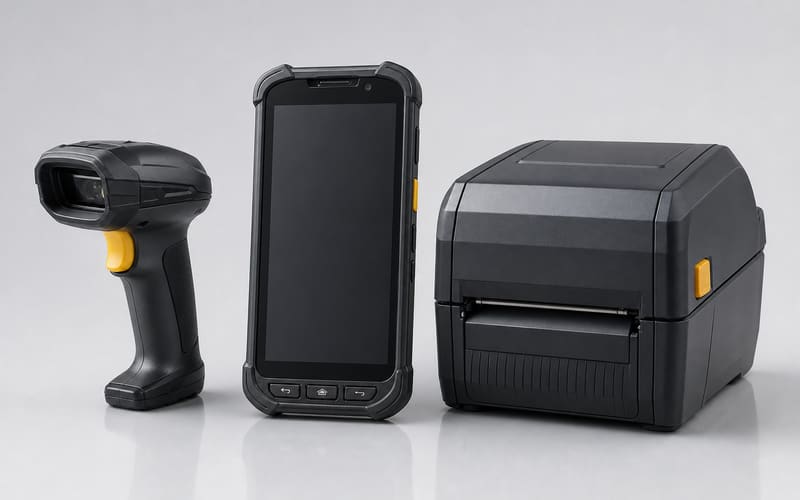
Printers & Supplies Hardware
Enterprise-grade equipment for your deployment
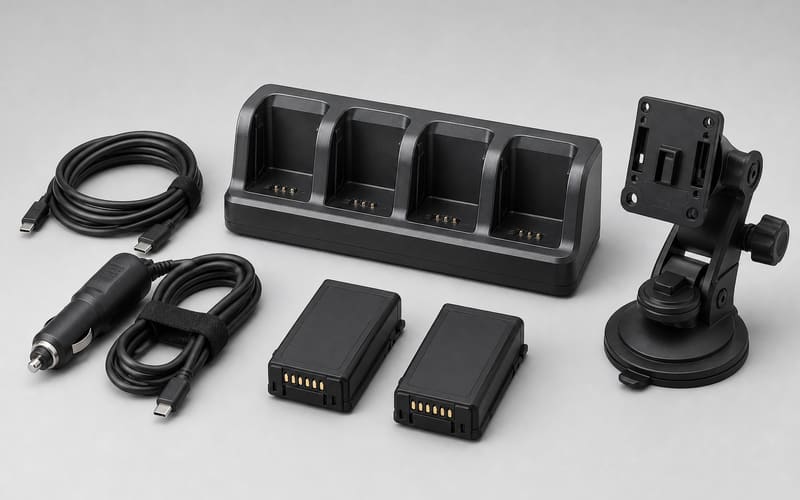
Accessories & Parts
Cables, mounts, batteries, and replacement parts
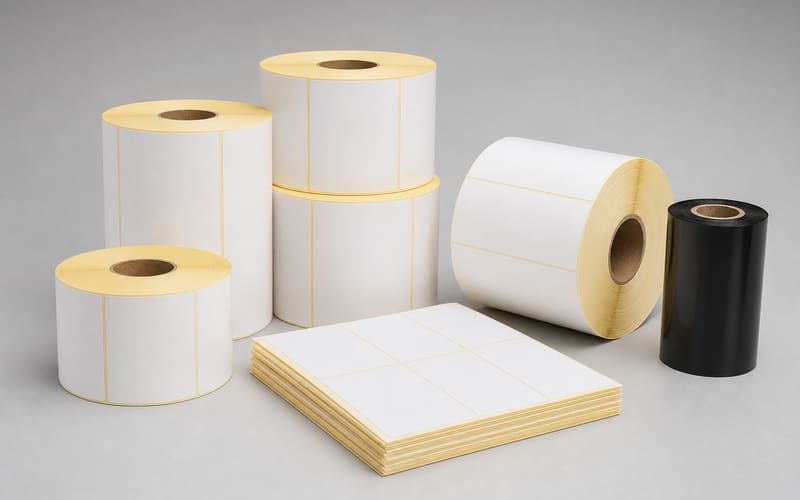
Labels & Supplies
Consumables and supplies for ongoing operations
What to do next
Send your print volume, label size, and environment. We come back with printer options, matched media, and a supply and service plan.
Get a printer and supply planRelated on this site
- Labels and pre-printingPre-printed and pre-encoded stock so less printing happens on site
- Zebra printer repairIn-house repair for ZT, ZD, ZQ, and ZE series printers
- Mobi softwareThe Mobi family, current maturity, and what each part is approved to do
- Support and serviceOne path for device, printer, label, and software issues
Planning printers & supplies?