
← All ArticlesPrinters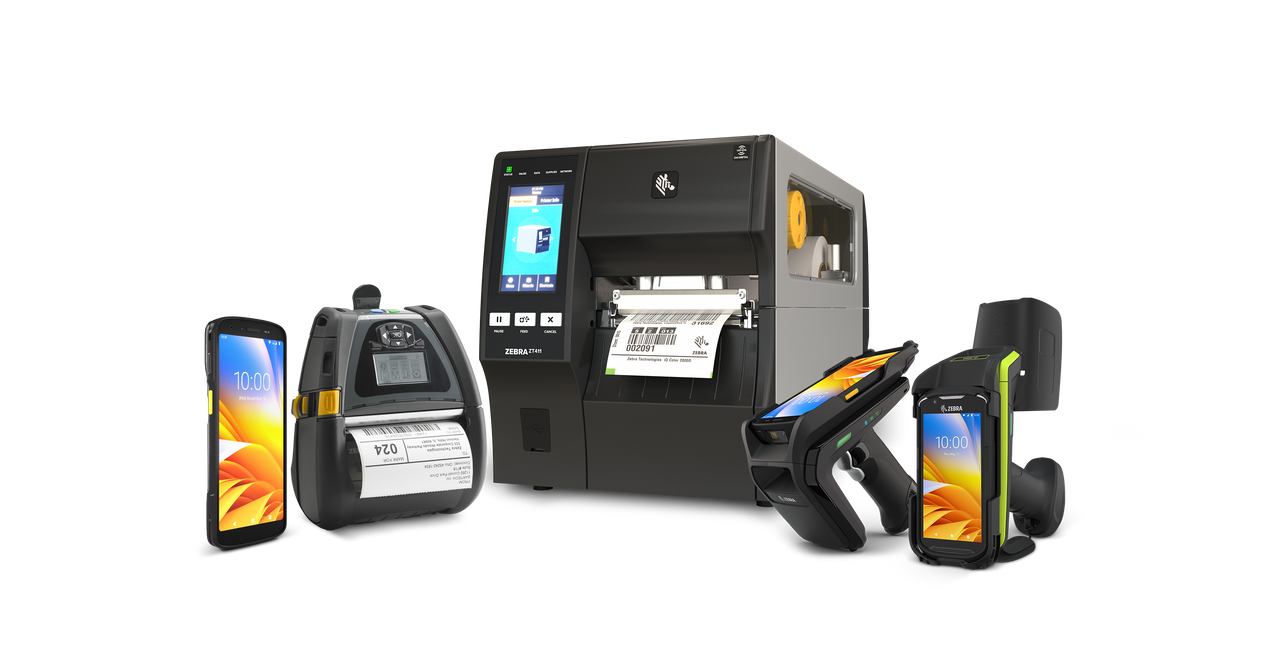
Best Zebra Printers: Complete Buying Guide
By Arrowhead TeamFebruary 20, 20268 min read
Zebra builds printers for every label workflow—from a desktop unit at a retail counter to an industrial workhorse running 24/7 on a manufacturing line. Start by matching the printer class to your print volume and environment.
Printer categories
- Desktop (ZD series) — low-to-medium volume for retail, office, and healthcare
- Industrial (ZT series) — rugged, high-volume printing for warehouse and manufacturing
- Mobile (ZQ series) — on-the-go printing for receipts, labels, and field work
- Print engines — for integration into automated print-and-apply systems
How to choose
- Volume: daily label count and duty cycle
- Resolution: 203 dpi for general use, 300/600 dpi for small labels and fine detail
- Connectivity: USB, Ethernet, Bluetooth, and Wi-Fi options
- Media: label size, ribbon type, and direct-thermal vs. thermal-transfer
Add RFID when you need it
Many industrial and desktop models offer factory- or field-installable UHF RFID encoders, so you can print and encode labels in a single pass as your tracking needs grow.
Want a recommendation tailored to your volume and environment? Talk to our team, or browse Zebra printers and supplies on our online store.